Launch Enterprise-Grade AI Labs in a Click
Provide your learners with instant access to virtual AI labs — complete with GPUs, pre-installed models, and tools for hands-on learning and research.


"It Works on My Machine" Is Killing AI Learning and Research
AI learning is hindered by infrastructure. Setup wastes time, educators debug instead of teaching, and institutions face rising drop-off rates.
InfraOne AI Labs — Instant, Configurable AI Labs
For Learning and Research (Not for High-Level Production Use) , Launch fully-configured, GPU-powered AI labs in one click — designed for education, research, and training at scale.
One-click lab launch
No setup, no installation, no configuration.
Pre-installed AI & ML Stack & Models
Python, Java, Node.js, CUDA, AI frameworks, and 10GB of models.
Unified Educator Dashboard
Batch management with real-time visibility into learner activity and performance.
Consistent environment
Every learner works in the same setup, eliminating compatibility issues.
Full virtual desktop
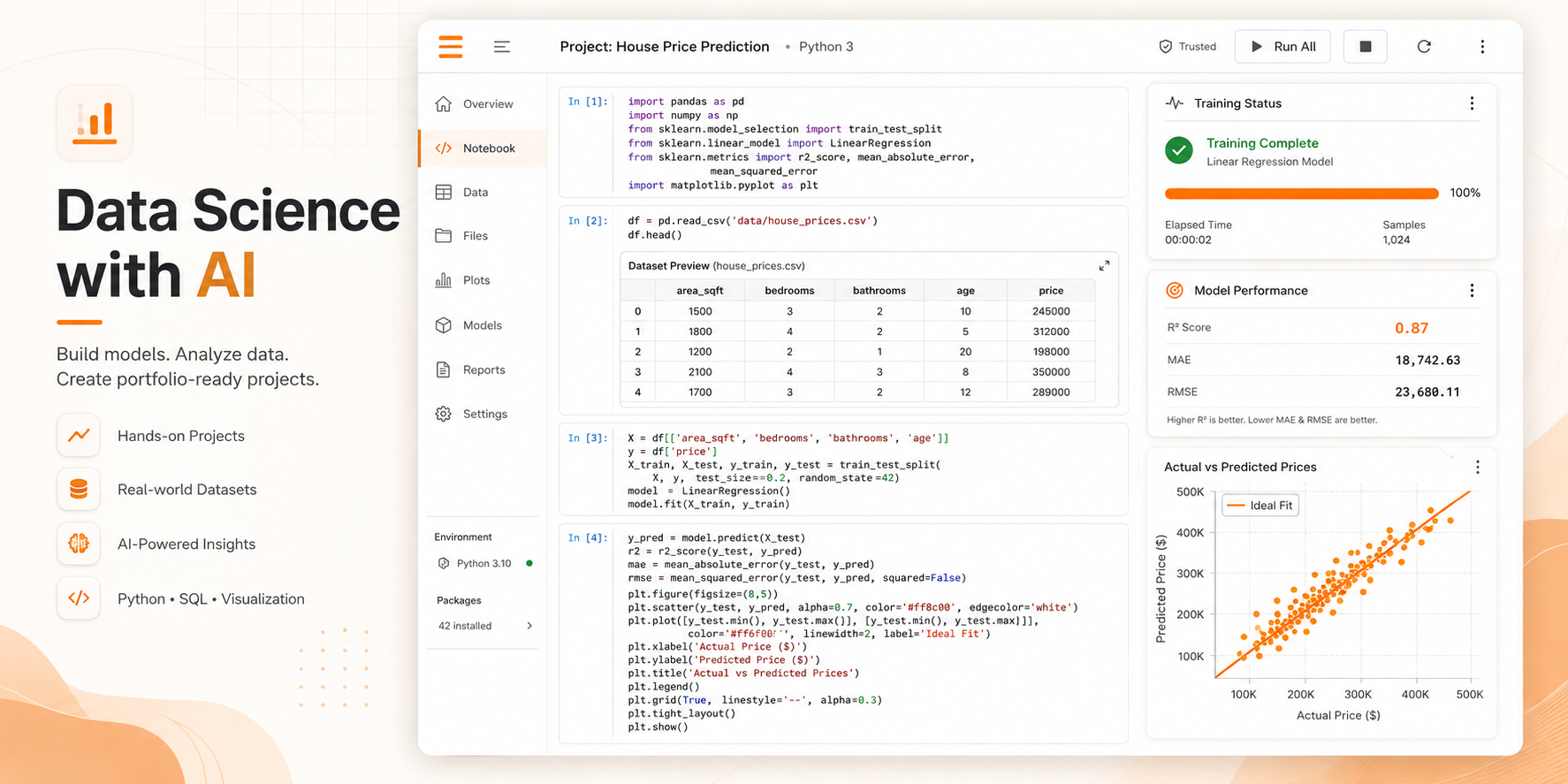
VS Code, Jupyter, browser, and terminal ready to use.
Secure, isolated, enterprise-grade environments
Built on AWS with industry-standard security.
On-demand infrastructure.
Create batches, assign labs, and manage GPU and storage.
Teach Smarter with Custom Labs.
Create labs, personalize levels, identify blockers, and guide learning.
Persistent storage.
Your work is always saved, even if the session disconnects.
Built-in README.
Every lab includes guides for tools, models, datasets, and usage.
How It Works in 4 Simple Steps
Launch fully-configured, GPU-powered AI labs in one click — designed for education, research, and training at scale.
Create Batch
Input batch name, learners, GPU type, duration
Configure Lab
Toggle GPU, storage, datasets, models, frameworks
Launch
Click the "Launch Labs" button and go live
Learn & Build
Learners work inside Jupyter, VS Code, train models
Everything You Need for AI Learning, Pre-Installed
Launch fully-configured, GPU-powered AI labs in one click — designed for education, research, and training at scale.
ML Frameworks
Expert tips to navigate your next career move with confidence.
AI Agent Development
Personalized AI recommendations for the jobs that fit your skills and goals.
Pre-loaded Models
Complete micro-tasks to prove and validate your skills.
Sample Projects included
Track profile views, application stats, and optimize your journey.
Data Science
Expert tips to navigate your next career move with confidence.
Development Tools
Track profile views, application stats, and optimize your journey.
Why InfraOne vs Alternatives
Launch fully-configured, GPU-powered AI labs in one click — designed for education, research, and training at scale.
| Top Feature | InfraOne AI Lab | Google Colab | GitHub Codespaces | Local Setup |
|---|---|---|---|---|
| Launch Time | < 2 minutes | Instant | ~5 minutes | 4-8 hours |
| Full Desktop | ||||
| VSCode + Jupyter | Both | Notebook only | VSCode only | Manual setup |
| Pre-loaded AI Models | Manual | |||
| Persistent Storage | Limited | |||
| Org Analytics | ||||
| Educator Takeover | ||||
| Zero Setup | Requires GitHub | |||
| GPU Access | Guaranteed | Limited free tier | Expensive hardware | |
| Batch Management |
Enterprise-Grade Security You Can Trust
Built on AWS with industry-leading security standards
AWS-Powered Infrastructure
Leveraging Amazon Web Services for maximum reliability and security
Isolated Containers
Each user gets a completely isolated environment with no cross-contamination
Encrypted Data
All data encrypted at rest and in transit using industry-standard protocols
Role-Based Access Control
Granular permissions for super admins, org admins, educators, and students
Compliance Ready
Built to meet industry standards and compliance requirements
Audit Logs
Complete activity tracking and logging for security and compliance
Uptime SLA
Encryption Standard
Security Monitoring
Your data and your students data are protected with the same security standards used by Fortune 500 companies.
Unlimited AI learning labs under fair usage
Only pay for what your learners actually use. No commitments. No wastage.
Core Experience
- VS Code IDE in Browser
- Jupyter Notebooks
- Persistent Workspaces
Admin & Support
- Instructor Dashboard
- Batch Access Control
- Priority WhatsApp Support
Browser-First Infrastructure
Our labs leverage high-performance container orchestration to provide zero-latency coding environments directly in Chrome, Safari, or Edge.
Pricing
Everything needed to run a professional AI batch
Contact Us
Talk to Us or Try InfraOne
See how InfraOne can transform your AI learning or research programs.
We're Currently Working With Select Partners
Book a demo to learn how InfraOne can accelerate AI learning in your organization.
Request a Demo
Ready to Eliminate "Works On My Machine" Problems?
Join leading organizations using InfraOne AI Lab to accelerate AI learning.
Frequently Asked Questions
Everything you need to know about InfraOne AI Labs
Under 2 minutes. Click 'Launch Lab' and your fully-configured environment will be ready.
InfraOne runs in the browser, so it works identically on Windows, Mac, Linux, and even Chromebooks.
Yes. We use AWS infrastructure with encrypted storage and isolated containers per user.
Yes, labs can be customized for each batch as per training requirements.
Organization admins get a dashboard showing real-time activity, runtime, and engagement metrics.
All files are automatically saved to persistent storage. Students can restart their lab and continue where they left off.
We're currently working with select pilot partners. Book a demo to learn more.
You can configure GPU access per batch. We support various GPU types including T4 GPUs for AI/ML workloads.
Yes, educators can securely take over student labs to troubleshoot issues or provide real-time guidance.
Labs automatically shut down after 30 minutes of inactivity to save costs. All work is saved to persistent storage.